create and share mini-apps
Simulation Games

 @hans
@hans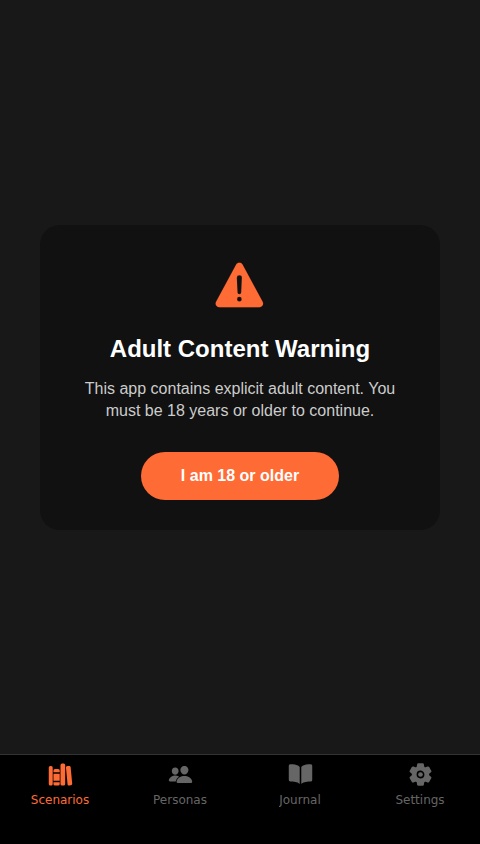
285
0
0
Create a premium, native mobile app for immersive, adult voice-based role-playing with an AI. The app is designed for explicit fantasy scenarios and must provide a high degree of user customization and immersion. The app must include the following core features: 1. **Onboarding & Age Gate:** * Upon first launch, display a clear, one-time modal requiring the user to confirm they are of legal adult age. * Follow this with a brief, skippable tutorial highlighting the key features: Character Creation, Scenario Library, and the Voice Chat interface. 2. **Character Creator & Personas:** * Allow users to create, save, and manage multiple AI "Personas." * For each Persona, the user can define: * **Name:** A custom name for the AI character. * **Voice:** Select from a diverse library of high-quality voice options (e.g., Deep, Soft, Accent A, Accent B). * **Core Personality:** A short text description defining the character's traits, background, and disposition (e.g., "A stern but fair starship captain," "A mischievous forest spirit"). This text will be used to prime the AI. * Users can select one of their saved Personas for each chat session. 3. **Scenario Hub:** * This screen serves as the starting point for new sessions. * It should offer two paths: * **Freestyle Prompt:** A simple text input for users to write a completely custom, open-ended scenario. * **Scenario Library:** A browsable, curated collection of pre-written scenarios categorized by theme (e.g., Sci-Fi, Fantasy, Historical, Modern). Each scenario provides a starting context for the role-play. Users should be able to save their favorite scenarios. 4. **Immersive Voice Chat Interface:** * The central interaction screen. It must be minimalist and dark-themed to focus the user on the audio experience. * **Core Controls:** A prominent "Hold to Speak" button. * **Visual Feedback:** A subtle, ambient visualizer (e.g., soft pulsing waves or particles) that reacts to the AI's voice to enhance immersion. The visualizer's color or pattern could subtly shift based on the tone of the conversation. * **Context Display:** A small, collapsible text area at the top showing the name of the selected AI Persona and the initial scenario prompt for reference. * **AI Memory:** The AI must maintain context and memory throughout a single, continuous session. 5. **Session History & Journal:** * A private "Journal" section where all past sessions are automatically saved. * Each entry should be listed with the Persona name, scenario, and date. * Tapping an entry opens a transcript of the chat. The user should have the option to resume the session from where they left off. * All Journal data must be stored persistently in a database and linked securely to the individual user's account. 6. **User Settings:** * A dedicated screen to manage app preferences. * **Voice Management:** Add/edit/delete AI Personas. * **Journal Management:** Ability to delete individual sessions or wipe the entire history. * **Accessibility:** Options to adjust AI voice speed and volume. User authentication, profiles, and data storage linked to the user are handled by the platform. The focus is on building the character creation, scenario management, and immersive voice chat features.
© 2026 aSim. All rights reserved.